Introduction to Power Apps
8 April 2022 | Noor Khan


Power Apps are an offering from Microsoft under their Microsoft Power Platform released in 2018. The platform provides complete solutions for businesses that include, visualising and analysing data with Power BI, building powerful mobile apps with Power Apps, reducing manual work and automating business processes with Power Automate and creating chatbots for communication with Power Virtual Agents. One of the greatest benefits the Microsoft Power Platform solutions offer to businesses is that no code is required to build the applications. They are presented in the form of a simple Graphical User Interface (GUI) which remove the need for code expertise and any user or developer can learn them easily to build powerful business solutions.
In this guide, we will be providing an insight into Power apps, the benefits, the limitations, when should you consider using the tool and finding experienced developers.
What are Power Apps?
Power apps is a platform that enables you to build business apps quickly and easily such as Project Workflow apps. At Ardent, our software developers have leveraged the tool to build apps for several clients including a footfall survey app and supplier management app. The great thing about Power Apps is that it can connect your apps to your datasets easily from many different sources where your data will typically sit. This includes Excel, SharePoint, SQL and many more. Although, a relatively new technology, it's gaining popularity with the number of benefits it offers.
Benefits of Power Apps
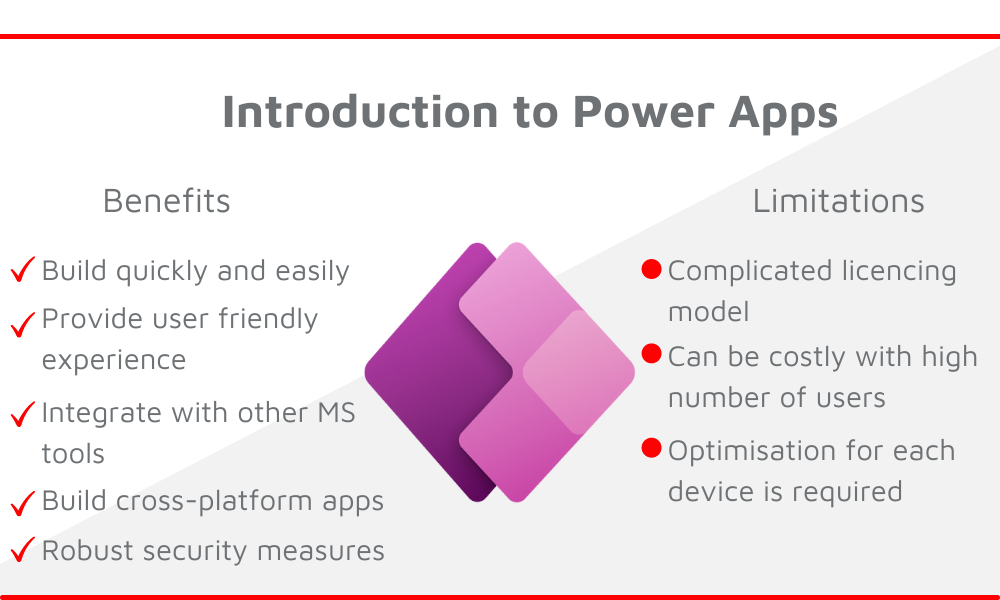
- Build low code applications quickly and easily
- Provide user-friendly experience across web and mobile apps
- Enables access to business data from over 200 sources
- Integrate with other Microsoft tools to leverage business data
- Integrate with third-party tools such as Salesforce and Oracle
- Robust security measures with Microsoft’s Active Directory Domain Service (ADDS)
- Complete control through the admin portal
- Build cross-platform apps for platforms including iOS, Android, Windows and web browser
- Can be cost-efficient when it comes to development time
Limitations of Power Apps
- Apps built with Power Apps cannot be published on the Windows Platform
- The licencing model can be complicated, and users may find it difficult to understand the multiple plans available
- Can be costly as the number of users that require access increases
- Limited capability when it comes to complex apps such as workflows as they are low code
- Apps need to be optimised for devices separately for example mobile and tablet would require two different versions
When should you consider using Power apps?
There are a number of cases when it might be the best option for you to go with Power Apps for your business solution and they include:
- If you want to create a quick and effective solution
- If you are looking for a good user interface for various users
- If there is a need for interaction with data in various locations
- If you are experienced in Excel as Powers Apps uses the functional language used in Excel
Enhancing Power Apps with Power Automate and Power BI
Power Apps is an incredible tool, however, it has several limitations as highlighted above. Paired with Power Automate and Power BI it can enhance business apps and enable automation of processes as well as gaining visibility of data with Power BI. The integration of the three technologies can help create a powerful solution that is easy to use and understand by various users in the organisation, enable real-time actions, understand and analyse your data and much more.
Ardent Power Apps
At Ardent we have experienced developer teams that have used Power Apps alongside Power Automate and Power BI to deliver powerful solutions for clients such as TEB, a growing business automation software business as well as supplier management solution for a large automobile parts supplier based in the UK, to name a few. We are a Certified Microsoft Gold Partner and work towards being at the forefront of this technology and building robust solutions. If you are looking to leverage these tools to automate your business processes, then get in touch and our expert engineers will be board to deliver.
Ardent Insights

Data Warehousing Architecture: Azure SQL vs Redshift
There are quite a few different data warehouse technologies to choose from, and knowing where to start, what to look for, and what data warehouse service is going to be best for your business is key. Deciding on a data warehousing technology that is suitable to your business needs, goals and objective is essential as [...]

Data Warehouse vs Database: The key differences
Cloud technology and advances in hybrid-storage technologies have meant that data storage is no longer left entirely to internal equipment and a single company-owned server. Finding a database management solution that works with the size and scale of your needs is not a task to be overlooked. [...]

Building data pipelines – a starting guide
Data visibility can be a huge driving factor for organisation growth. Poor data visibility can lead to a lack of compliance with data security, difficulty in understanding business performance and increased complexity in dealing with system performance issues. Developing secure, robust and scalable data pipelines can empower businesses to gain data visibility by connecting the [...]
Services
About
UK
US
India

